
Authentication
Login Process
Access the IT Ticketing System using your credentials:
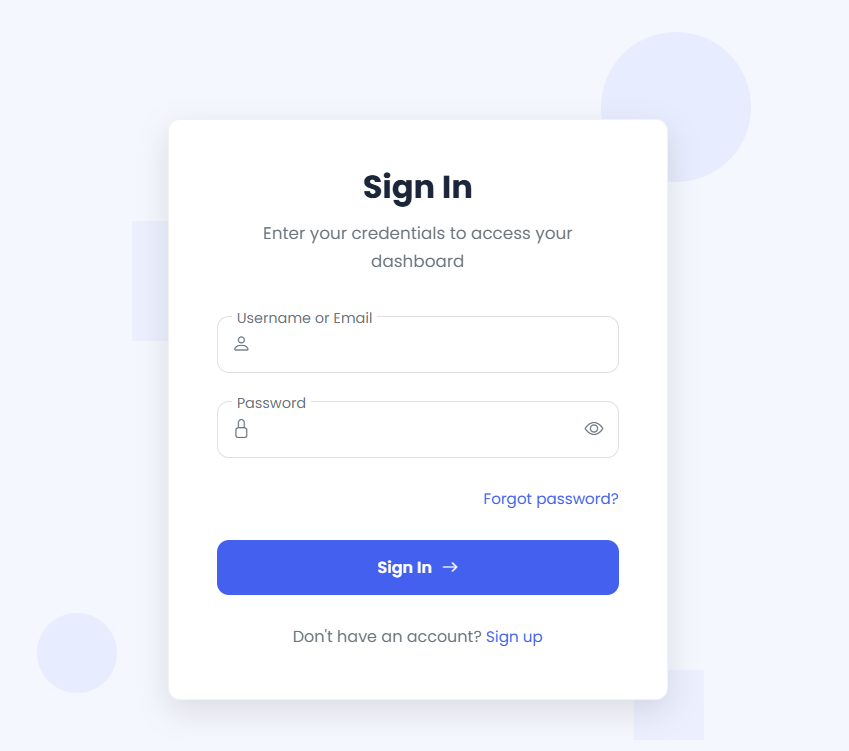
- Enter your company email address
- Input your password
- Click "Sign In" button
Sign Up Process
New users can register for an account:
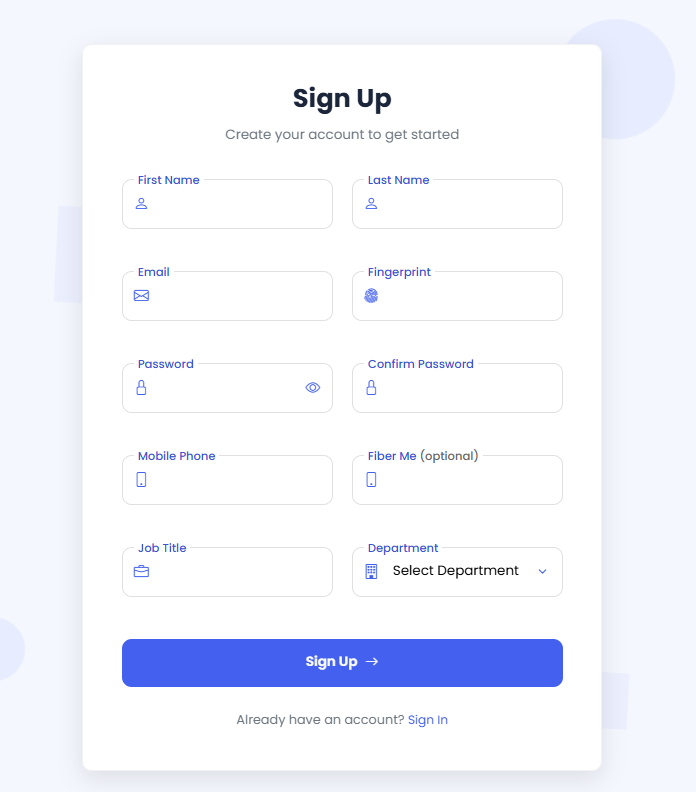
- Enter your corporate email
- Provide employee ID and other required cardinalities
- Set up your password
- Complete domain verification
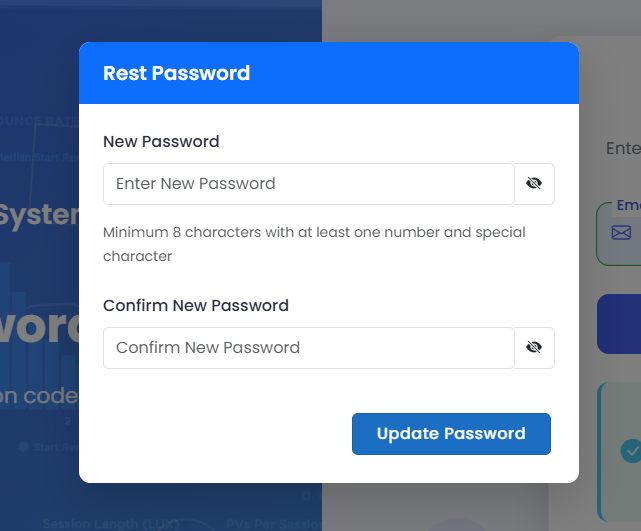
Password Recovery
If you've forgotten your password:
Ticket Submission
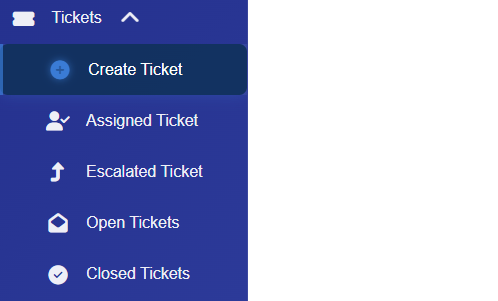
Initiate New Ticket
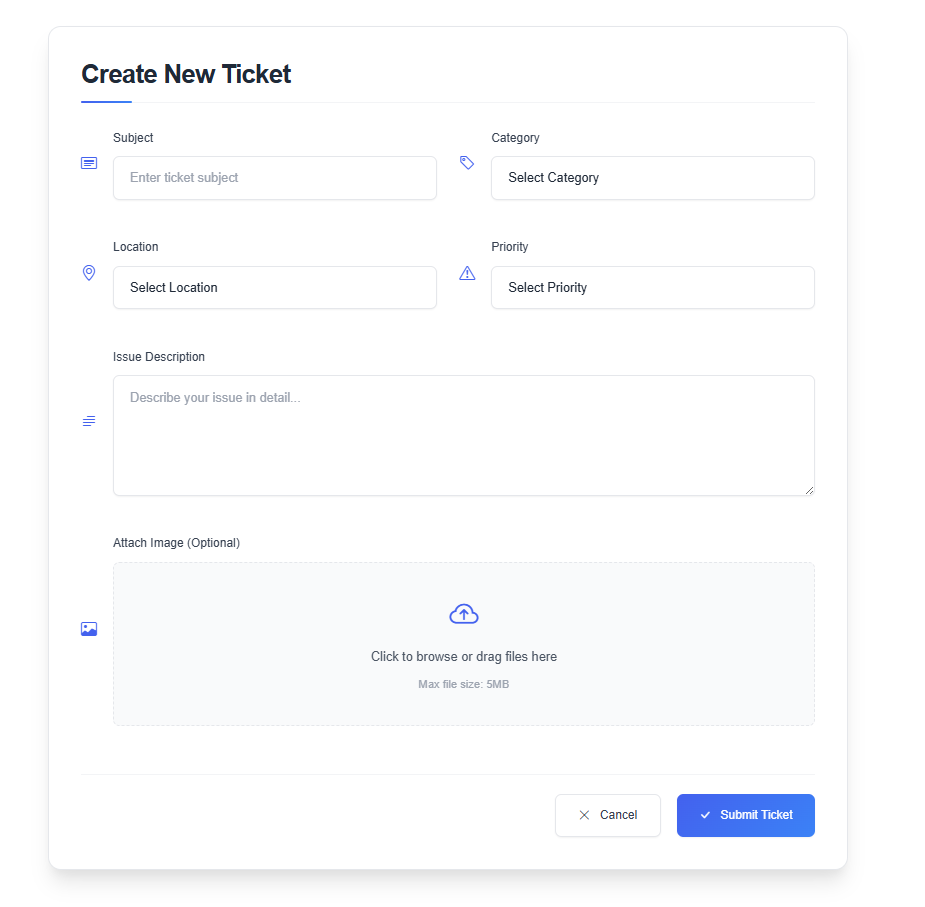
From the Sidebar Menu, Choose Tickets Then ,click theCreate Ticket link.
Complete Submission Form
Provide comprehensive details for faster resolution:
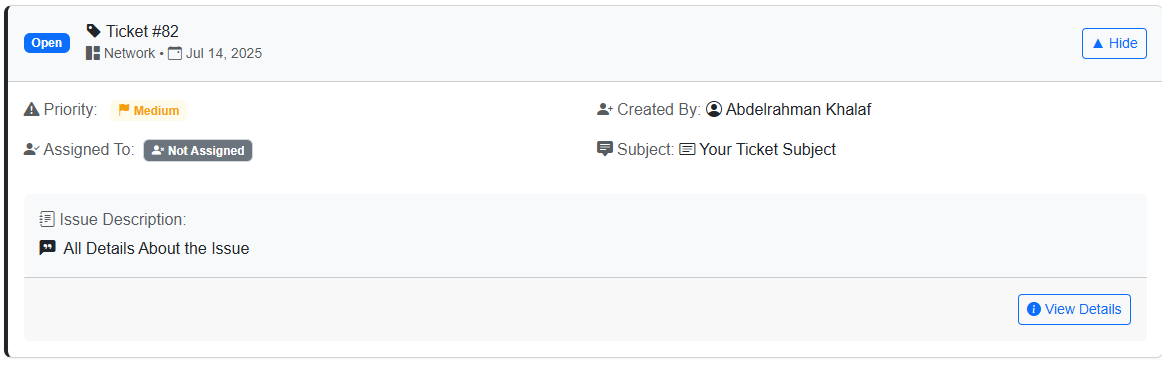
Confirmation & Tracking
After submission, you'll receive:
Ticket Management
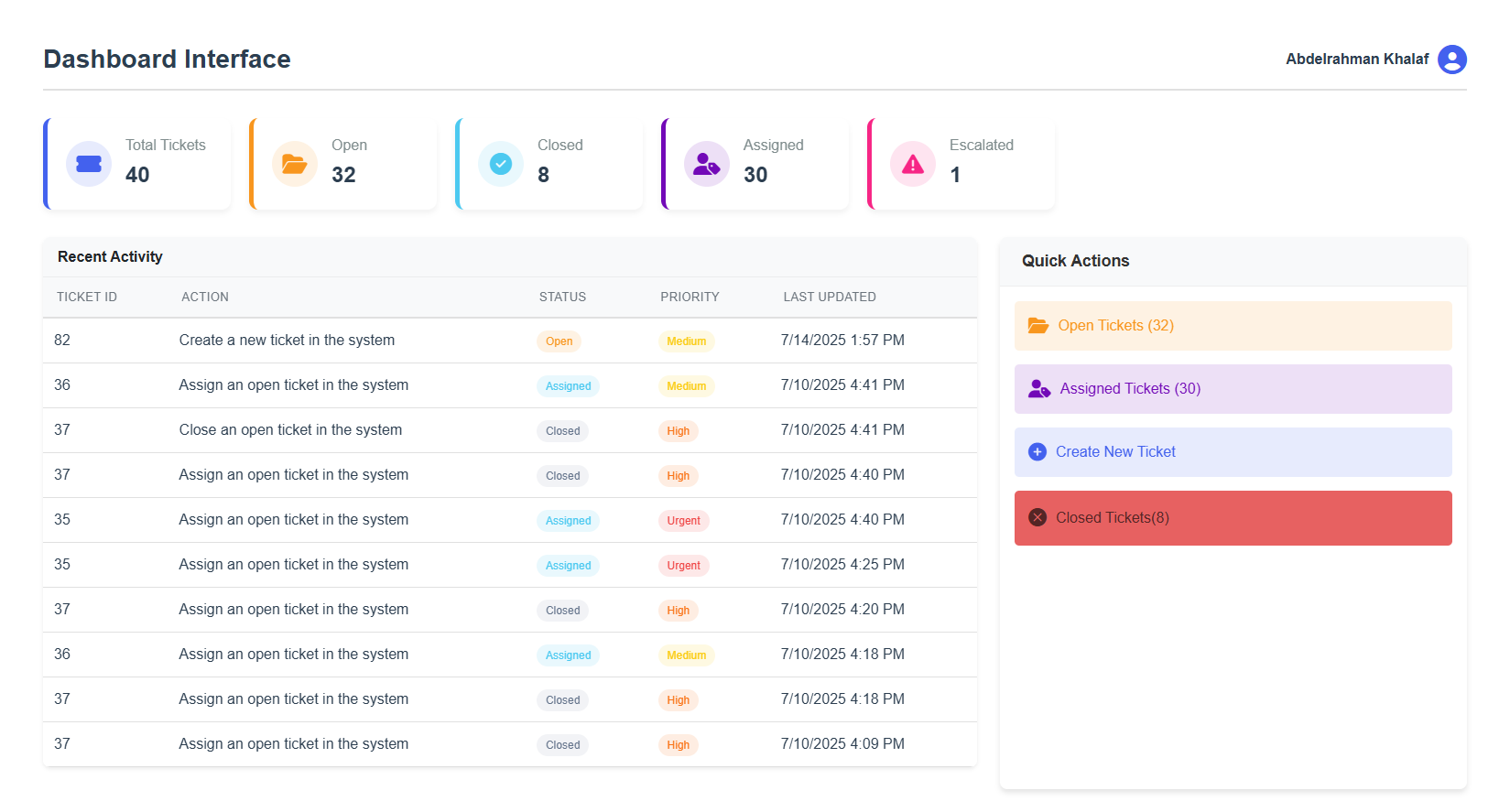
Tracking Tickets
Monitor your ticket status in real-time:
Escalation Process
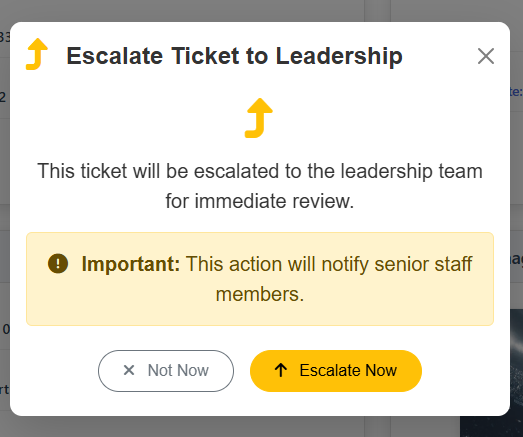
To escalate a delayed ticket:
- Locate your ticket in tickets
- Click "Details"
- Click "Escalate"
- Provide confirmation to escalate this ticket
- Supervisor will be notified automatically
Escalation available after assigned the ticket and the agent never response
Closing Tickets
When your issue is resolved or never need the team to take action about this ticket:
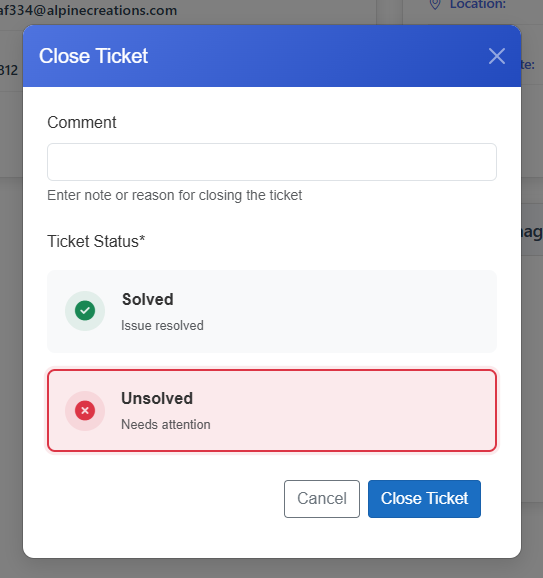
- Locate your ticket in tickets
- Click "Details"
- Click "Close"
- Provide comment or note to Close this ticket
- Choose if ticket solved or not
- Provide confirmation to Close this ticket
- Admin will be notified automatically
Tickets can be close by the user who create it or by the agent who work on this ticket or by the admin in the system and you will see you ticket in the ticket history.
Agent Feedback
Rating Your Support Experience
After ticket closure, you'll receive a rating request:
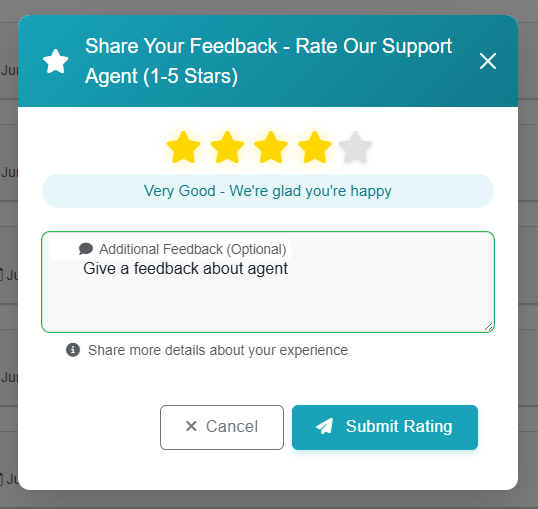
Providing Detailed Feedback
Help us improve by sharing specifics: